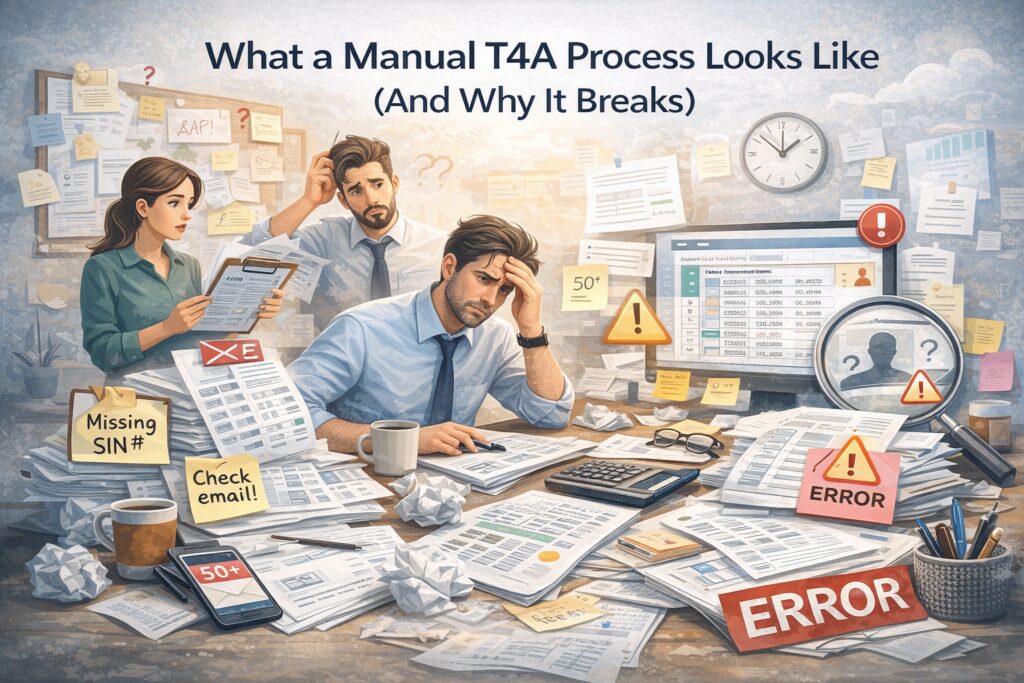

If your T4A process still lives in email threads, spreadsheets, and sticky notes, you’re not alone. That’s how almost everyone starts.
At first, it even works—sort of. You only have a handful of contractors, one person “knows how to do it,” and you squeak past the deadline each year.
But as your contractor list grows and staff change, the manual approach starts to crack. Deadlines feel tighter, mistakes slip through, and no one is quite sure whether you’ve captured everything the CRA expects.
Let’s walk through what a manual T4A process really looks like—and why it eventually breaks.
1. The classic manual T4A workflow
In many organizations, the T4A process looks something like this:
**Step 1: Year-end realization**
Someone remembers around January: “We have to do T4As again.”
**Step 2: Data scavenger hunt**
Finance or admin staff:
– Export payment data from the accounting system
– Pull vendor lists from various places
– Ask department heads who they used as contractors this year
– Search email for names they vaguely remember
**Step 3: Spreadsheet building**
They copy/paste everything into a spreadsheet to figure out:
– Who counts as a contractor needing a T4A
– How much each person was paid in the year
– Whether they have an address, SIN, or business number
**Step 4: Email chasing**
Where details are missing, they:
– Email contractors to ask for tax info
– CC managers to “nudge” people
– Track responses in yet another tab of the spreadsheet
**Step 5: Form filling**
Finally, they:
– Manually type names, addresses, and amounts into forms or CRA upload files
– Double-check a few entries
– Hit submit, cross their fingers, and move on
If that sounds familiar, it’s because this is the default method for organizations that haven’t yet invested in a structured T4A system.
2. Where the manual process typically breaks
This “just get it done” approach can function for a while—but it has several built-in failure points.
**a) Version chaos**
Multiple people may save different copies of the T4A spreadsheet:
– “T4A_List_Final.xlsx”
– “T4A_List_Final_Updated_Jan23.xlsx”
– “T4A_List_Really_Final_Use_This_One.xlsx”
No one is completely sure which one is right. Changes get made in different versions. At best, this causes confusion. At worst, it means someone’s slip is based on outdated data.
**b) Incomplete contractor coverage**
When your contractor list is pieced together from memory and manual searches:
– It’s easy to forget small or one-off contractors
– New vendors added late in the year can fall through the cracks
– Different departments may use different terms for the same type of contractor
If CRA ever compares your books to your T4A list, those gaps can become a problem.
**c) Data entry and formula errors**
Spreadsheets are powerful—but fragile:
– A mis-sorted column can disconnect names from amounts
– A copied formula can quietly miscalculate totals
– Manual typing into forms invites typos in names, addresses, and SINs
These errors are hard to spot when you’re under time pressure, and they can directly affect what slips contractors receive and what CRA sees.
**d) Bottlenecks around one “expert”**
In many organizations, one person “knows how to do T4As.” They hold:
– The logic behind the spreadsheet
– The unwritten rules about who gets a slip
– The memory of how they “fixed it last year”
If they’re sick, on leave, or change roles, your T4A process stalls—or someone else has to reverse-engineer a messy spreadsheet from last year.
**e) No real audit trail**
If CRA asks, “How did you arrive at these amounts?” a manual process often yields:
– A few reports from the accounting system
– An intimidating spreadsheet with lots of tabs
– Vague recollections of what was reconciled and when
It’s hard to demonstrate a clear, repeatable process. That makes reviews and audits much more stressful.
3. Hidden costs of staying manual
Organizations sometimes stick with manual T4A workflows because “it only takes a few weeks a year.” But the hidden costs add up:
– **Time lost** – chasing data, cleaning spreadsheets, redoing work after mistakes
– **Stress and overtime** – January and February become crunch periods for finance and admin staff
– **Reputational risk** – contractors receiving incorrect slips may lose confidence in your professionalism
– **Compliance risk** – missing or erroneous slips can lead to CRA penalties and uncomfortable questions
Most importantly, every year you repeat the manual process, you miss the opportunity to build a system that gets easier over time.
4. What a modern T4A workflow looks like instead
A more sustainable approach treats T4As as an ongoing, structured process, not a once-a-year scramble.
With a tool like **T4ASlip** in the mix, the workflow shifts from:
> “Rebuild and re-hunt everything every year”
to
> “Maintain good data all year and generate slips from it.”
Concretely, that means:
– **Centralized contractor profiles** – names, addresses, IDs stored once, reused every year
– **Imported payment data** – pulling summary totals from your accounting system instead of manual summing
– **Built-in checks** – flags for missing information or odd amounts
– **Automated slip generation** – reducing or eliminating manual retyping
You still need human judgment—for example, deciding who should receive a T4A and how edge cases are treated—but the repetitive mechanics are no longer manual.
5. How to know it’s time to move on from manual
You don’t need to wait for a disaster to upgrade. Signs it’s time include:
– You manage more than a small handful of contractors each year
– Multiple people need to be involved in the T4A process
– You’ve already had to correct or reissue slips due to errors
– Staff dread “that spreadsheet” and the January scramble
If any of these sound familiar, you’re carrying more risk than you need to—and spending more time than necessary.
6. Using T4ASlip to break the manual cycle
T4ASlip is designed to help you step out of the manual maze by:
– Acting as a central hub for contractor and payment data
– Making T4A eligibility and coverage easier to see
– Reducing dependence on a single spreadsheet and a single person
– Creating a clearer, more defensible process that you can repeat and improve every year
Instead of asking, “Who remembers how we did this last time?” you open T4ASlip and see a structured workflow leading you from data to slips.
The manual process got you this far. But if it’s starting to creak under the weight of more contractors, more complexity, and more expectations, it’s a sign that your T4A process has outgrown your tools—and it’s time to give your team something better.